

App, APK or browser
“1GO app” and “1GO Plus app” mean the same thing: the mobile version of the 1GO Plus casino. On Android it is installed from the 1GO Plus APK; on iPhone and iPad it is a Home Screen app added from Safari. Either way, it opens the same lobby, the same cashier and the same account as the website.
Why players use the app
The app keeps you signed in and opens in a second, which matters for fast games such as Aviator where rounds last only seconds. Notifications tell you when a new gift code or weekly promotion appears, so you do not need to check Telegram or the website all day. The interface is built for one-handed use: the lobby, the cashier and the Gift Code field are all a tap away from the bottom menu.
What is inside
Everything available on 1GO Plus is available in the app. The lobby groups games into slots, live casino, table and card games, crash games, fishing and lotto, with filters by provider. The Quest section lists deposit rewards and tasks, the VIP Club shows your level and withdrawal limits, and the Super Raffle and daily jackpot run in the same place. Your transaction history, bet history and gift history sit in the account menu.
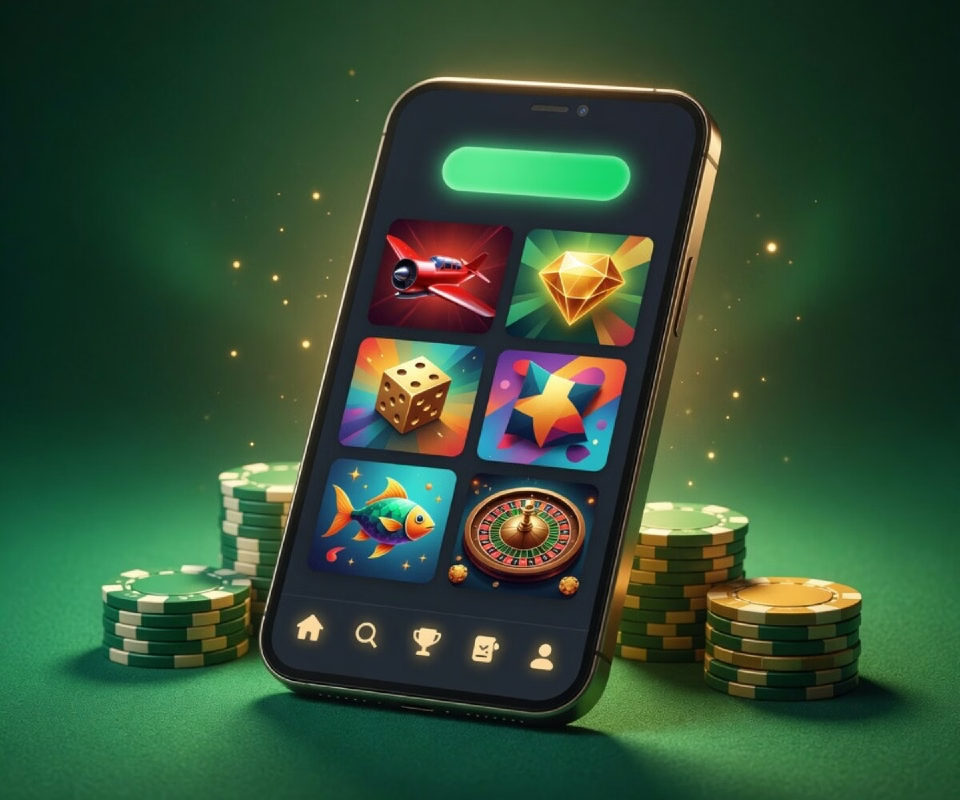
What you get in the app
Full casino lobby
Slots, live casino, table and card games, crash games, fishing and lotto, with search and provider filters.
Rupee cashier
Deposits and withdrawals in ₹ through UPI, PhonePe, Paytm and bank transfer, with a Submit UTR form for delayed payments.
Gift Code field
Enter codes from official 1GO Plus channels in the Gift Code section of the menu; rewards are credited at once.
Quest and VIP Club
Daily and weekly tasks, first-deposit cashback and VIP levels with higher withdrawal limits.
Super Raffle and jackpot
Weekly raffle tickets and a daily jackpot pool shared among the top players.
Live chat and notifications
Round-the-clock support inside the app and alerts when new codes and promotions go live.
Seven languages
English, Hindi, Bengali, Marathi, Telugu, Tamil and Gujarati.
Guest mode
Look around the lobby before you create an account.
Games in the app
Aviator, Rummy, Jhandi Munda, Fortune Gems 3, Fortune Garuda 500, Chicken Road 2 and Super Ace are among the titles players open most. Live casino tables from Evolution and Playtech also run smoothly on a phone over 4G or Wi-Fi. The games page describes the popular titles, and the casino page explains each category.
Games players open first




Login and security
You sign in with your +91 number and a password, or with a one-time SMS code. A guest mode lets new players look around first. Keep your OTP to yourself — 1GO Plus support never asks for it. If you run into sign-in trouble, the login page covers missing codes, wrong passwords and blocked sessions.
Signing in inside the app
Number and password
Enter your +91 mobile number and the password you set at registration.
One-time code
Choose Sign In by OTP and type the code sent to your phone.
Guest mode
Tap Play As Guest to browse the lobby before registering.
Forgot password
Use Forget Password on the sign-in screen to set a new one.
Payments in the app
The cashier works in rupees. Deposits go through UPI, PhonePe, Paytm or a bank transfer, and withdrawals arrive in your bank account, usually within 1–3 minutes. If a deposit does not appear, the app has a Submit UTR form to match your payment. Payment methods and withdrawals are explained step by step.
Android specifics
On Android the app needs version 7.0 or later and about 100 MB of free space. Updates come as a new APK from the same download page, installed over the old version without losing your login. The Android page covers permissions, Play Protect warnings and older phones.